
Find the case. Keep the record.
Search by case number or advocate name across High Courts, District Courts, and Tribunals, and open the full record: status, parties, acts, orders and judgements, hearing history.
Deshmukh v. State of Maharashtra
W.P. 2214/2025 · Bombay High Court
Status
Pending · reply awaited
Parties
Deshmukh v. State of Maharashtra
Last hearing
14 Jul · Adjourned
Orders
6 on record
The flow
How it works
Step one
Find the case
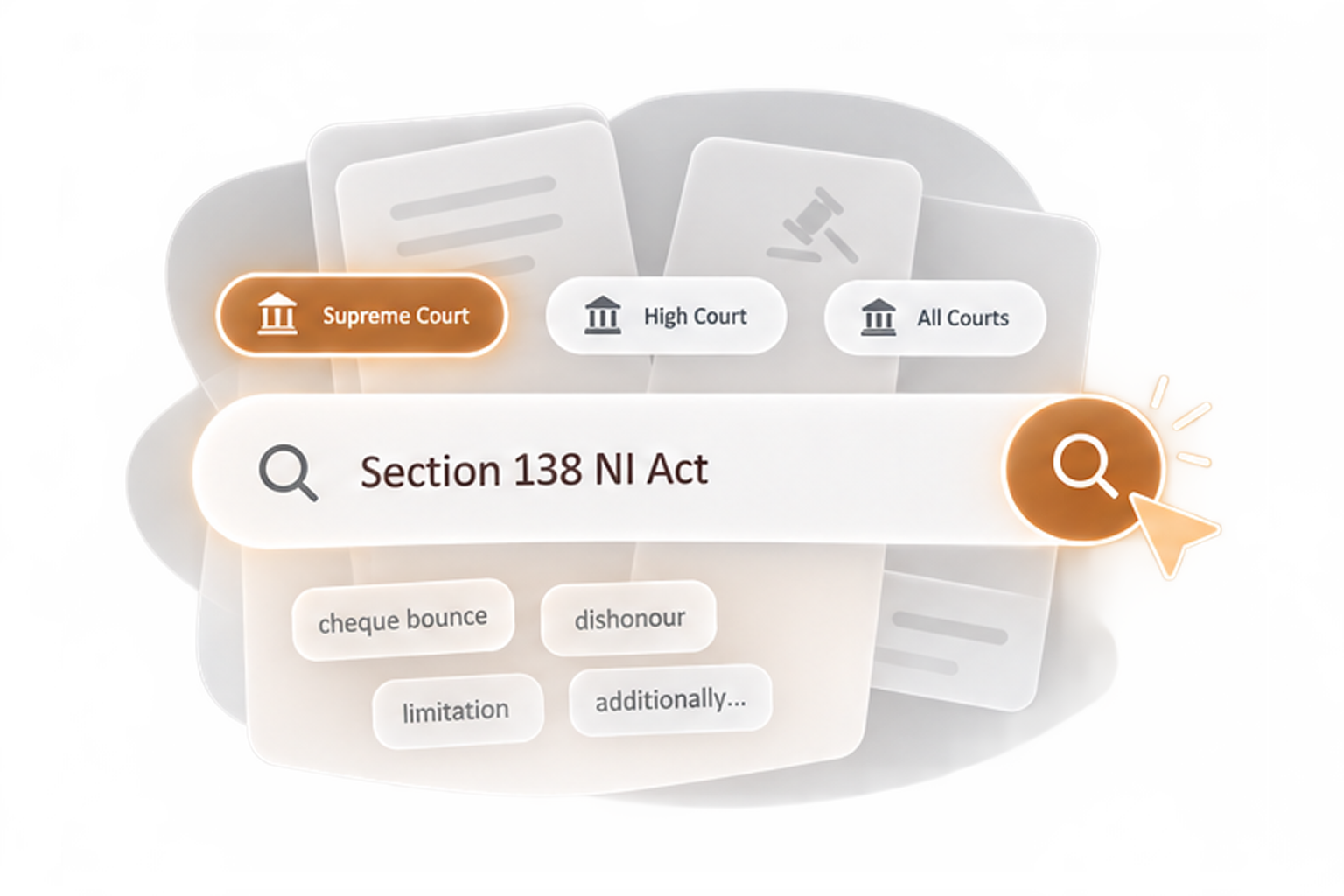
Case number or advocate name, across High Courts, District Courts, and Tribunals, whichever detail you have.
Step two
Open the record
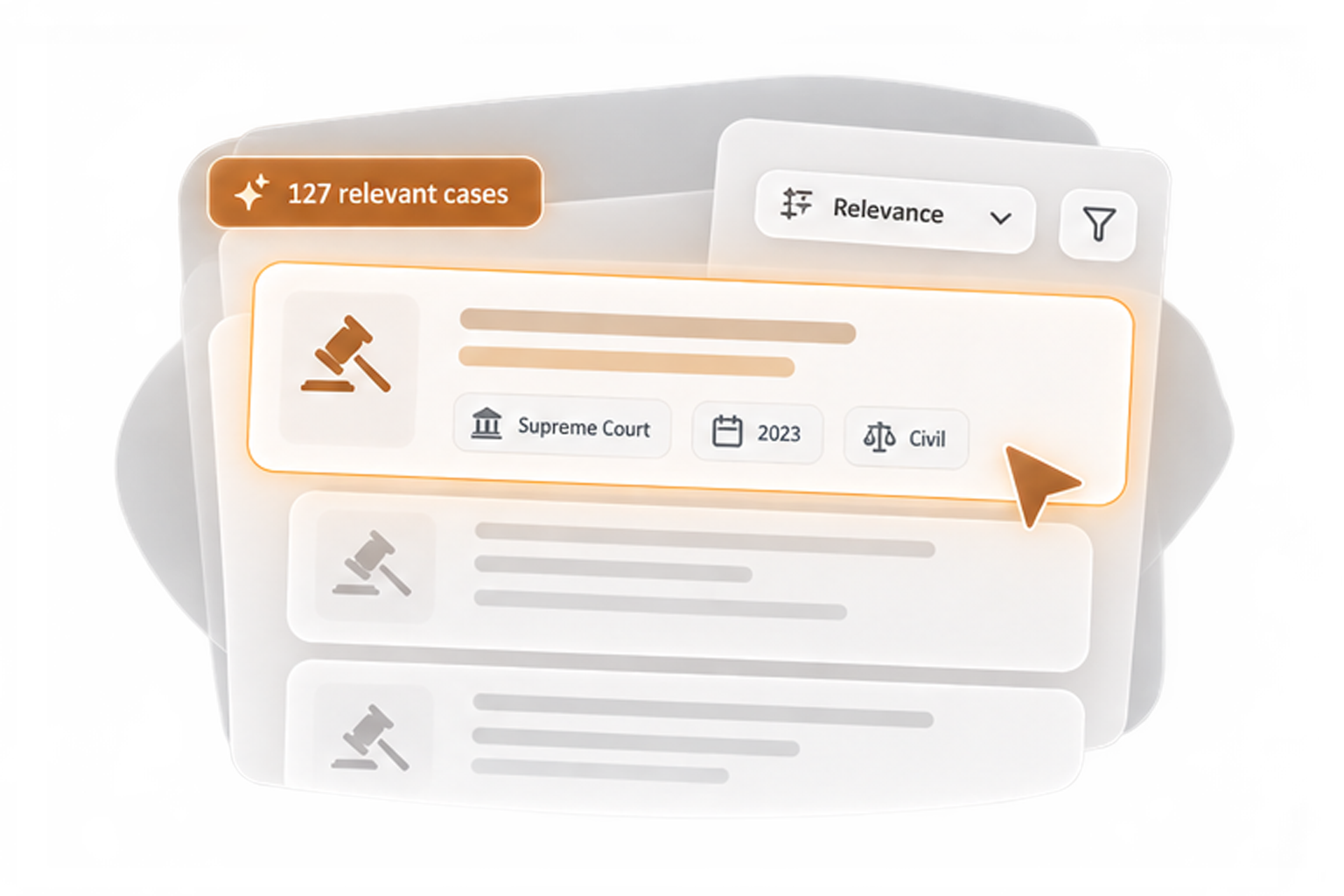
Status, parties, acts, orders and judgements, and the full hearing history, all from official court records.
Step three
Save the case
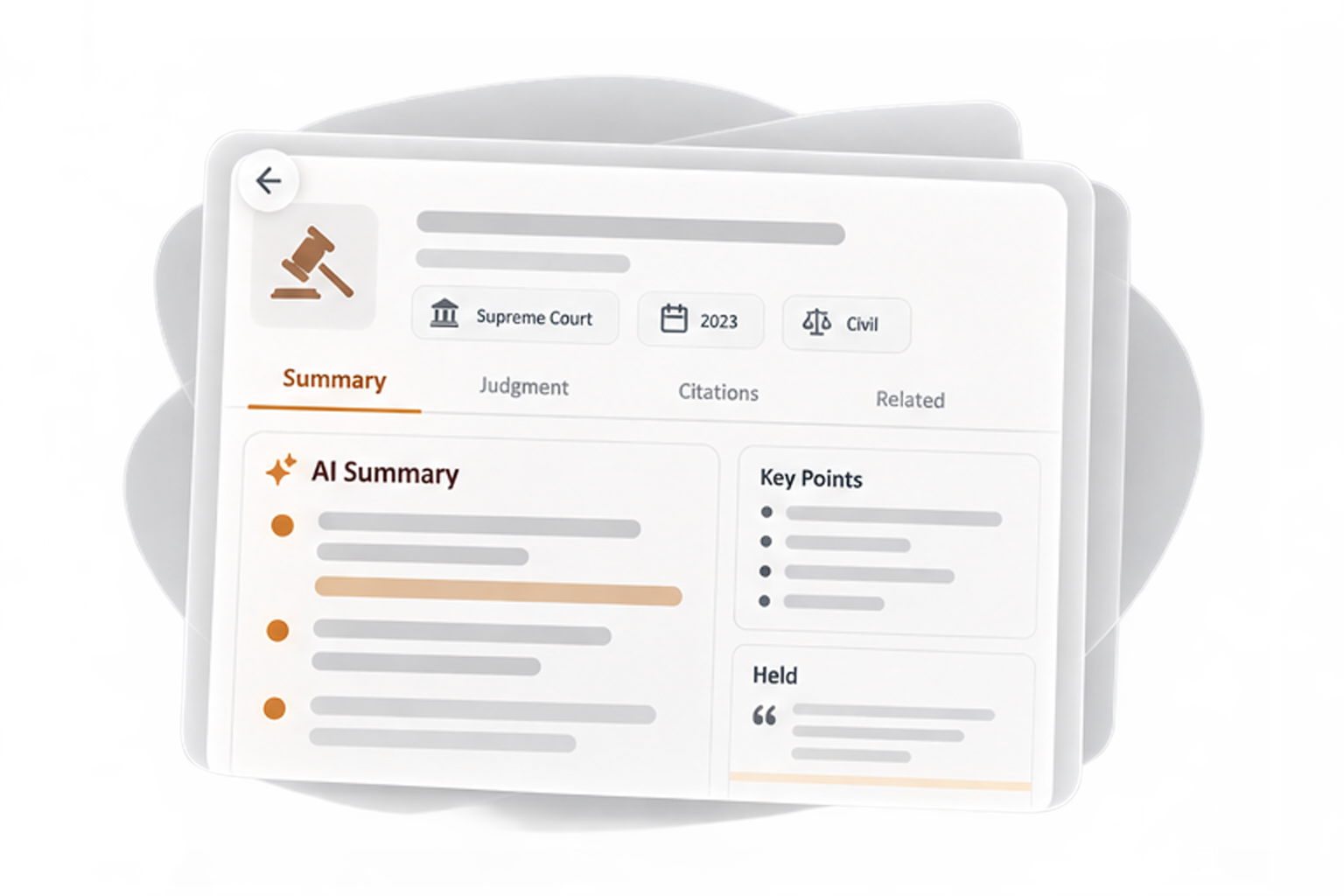
Save it to your workspace and the record stays with you: files, notes, and updates in one place.
Step four
Or ask the Assistant

"Find the case where…" works. The AI Assistant runs Case Status from inside a conversation.
Capabilities
What it does
Search by case number or advocate name
Across High Courts, District Courts, and Tribunals: MAT, CAT, and DRT.
CNR and party-name search
Scheduled, along with Supreme Court coverage.
The full record, not a summary
Status, parties, acts, hearing history, orders and judgements.
From official court records
What the court's own systems say, not a scrape of a scrape.
Save to your workspace
A found case becomes a managed case, record attached.
Available through the AI Assistant
Search from inside a conversation.
The platform
Better inside the platform
Checking a case's status answers today's question. Saving it answers the next hundred: the case joins your workspace, your Calendar puts it on its next date, research starts from its record, and every order that follows lands in its file.

No one should have to find the same case twice.
The case is on record. Get it on yours.
Join the waitlist, and search the day your access opens.