
Paper in, working file out.
Scan from your phone or laptop. Lexli digitises the pages into an editable .doc or .pdf and saves it where it belongs: the case.
The flow
How it works
Step one
Scan or upload
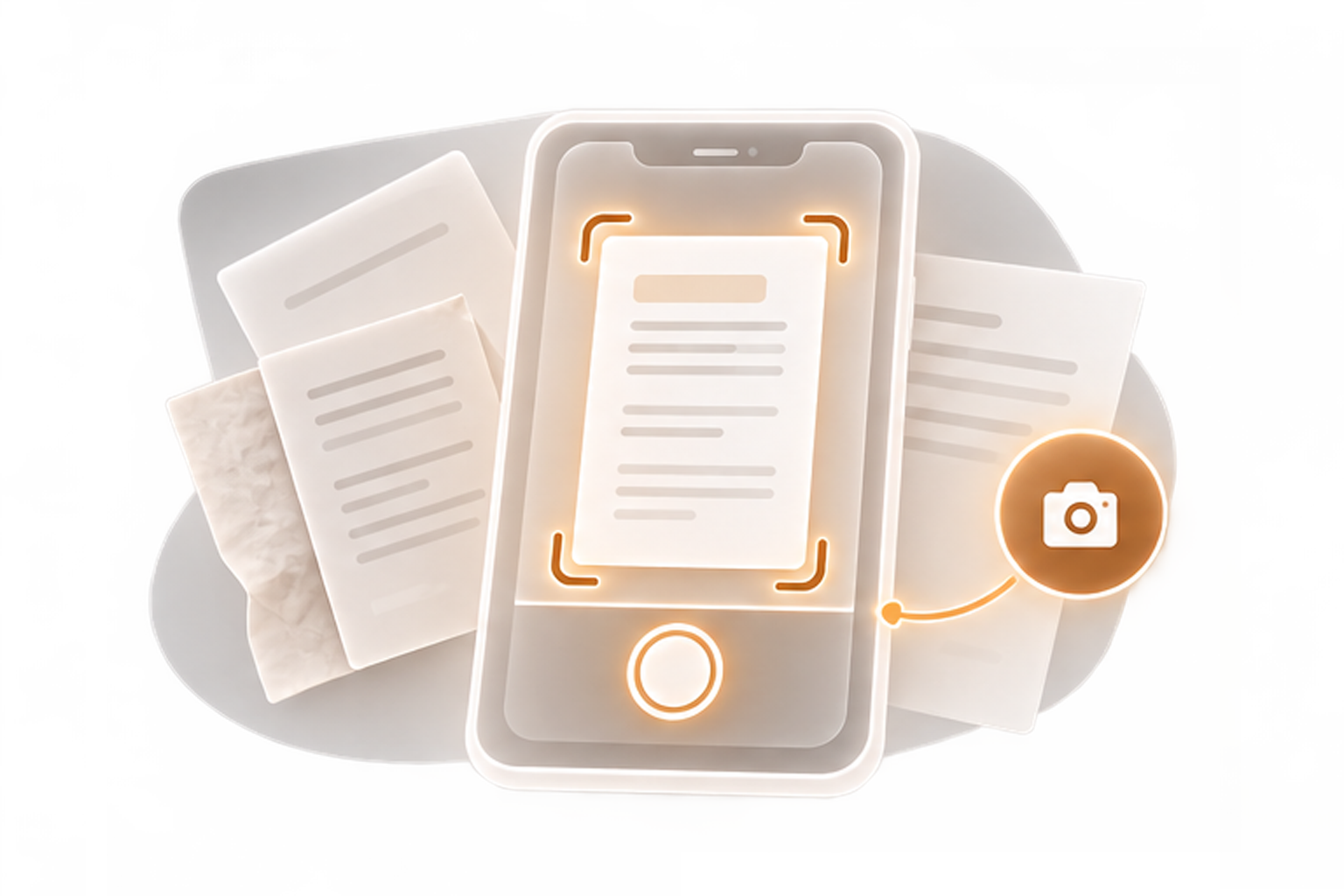
Phone camera or laptop: certified copies, annexures, the page with the stamp across it.
Step two
Digitise the pages
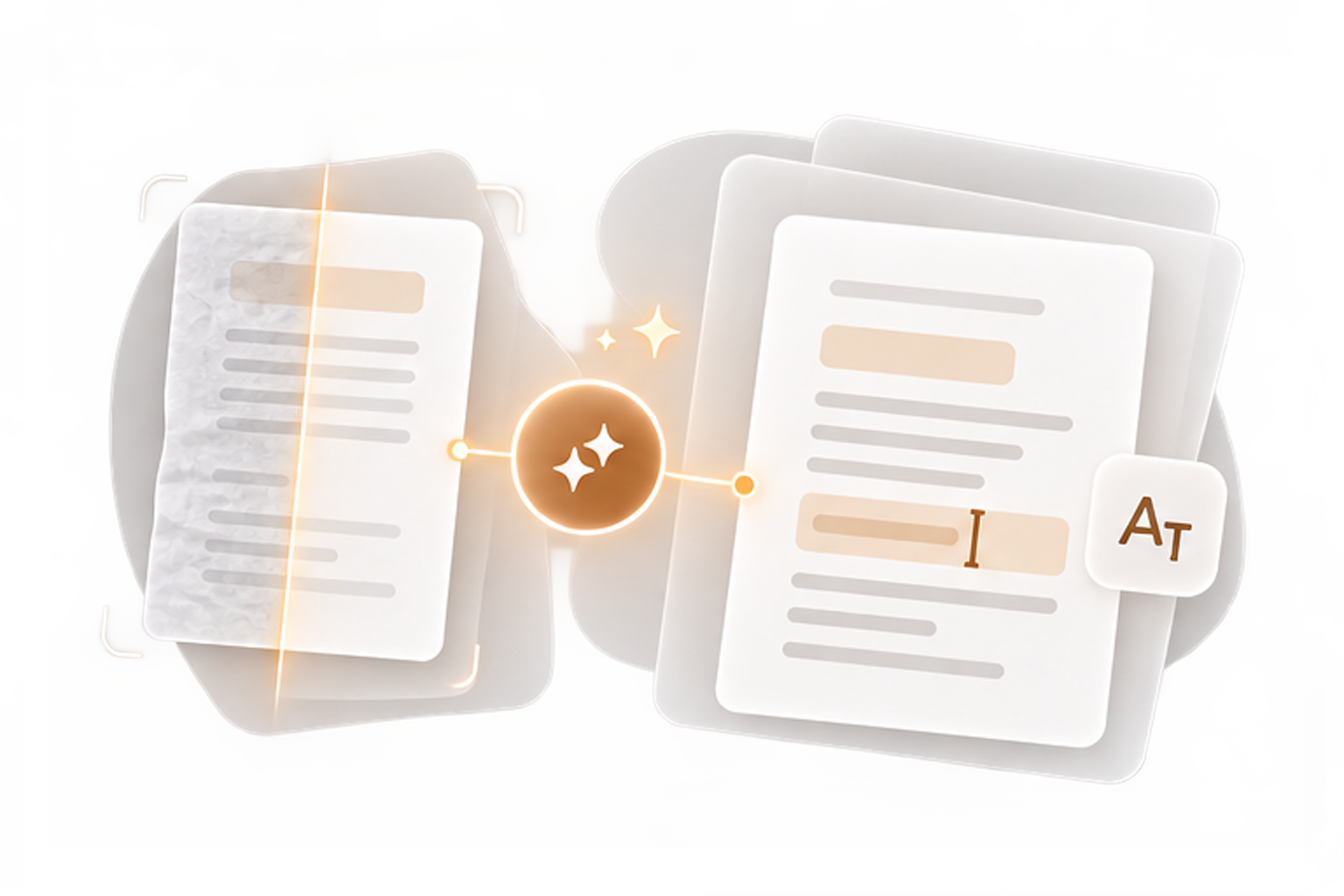
The scan becomes an editable, working .doc or .pdf, not a photograph of a page.
Step three
File it to the case
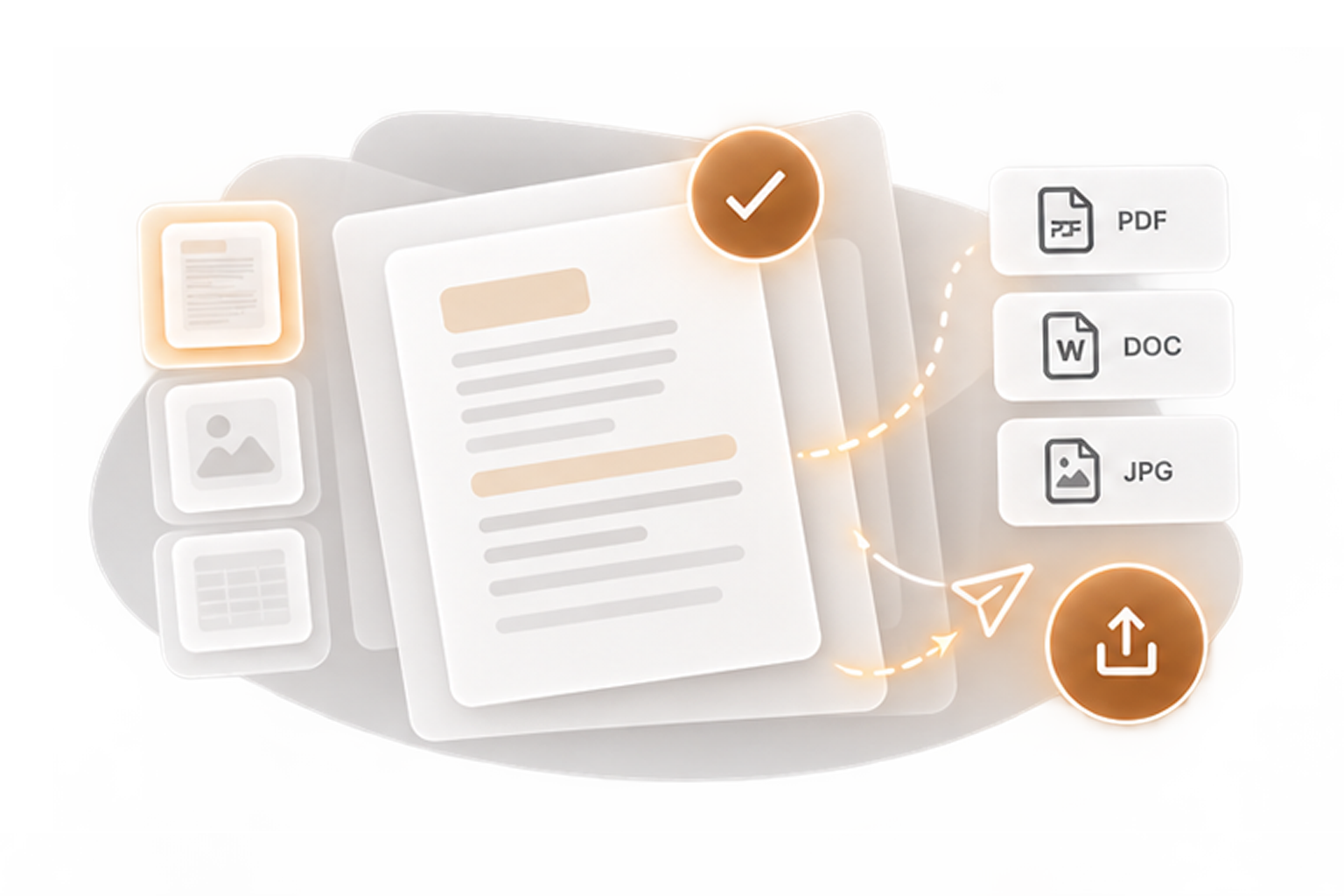
Assign it to its case, or download it. Recent scans stay on hand; yesterday’s file is one tap away.
Capabilities
What it does
Scan from the device you're holding
Phone or laptop, no separate hardware.
Editable output
.doc or .pdf for digitised documents; .pdf for plain scans.
Straight to the case
Outputs assign to case files, ready for the record.
Prepared for filing
Scans headed for eFiling are OCR converted, merged, and indexed to the format the portal expects.
Recents and outputs on hand
What you scanned stays reachable, not re-scanned.
Available through the AI Assistant
Scan, then ask questions about what is on the page.
The platform
Better inside the platform
A scanner app gives you a PDF in your phone's gallery, between two family photos. Lexli gives the scan a home: it lands in the case file, ready for the research, the draft, and the eFiling packet that will need it merged and indexed.

Scan it once, and the platform never asks for it again.
The file cabinet is retiring.
Create a free account and scan the first page.